

How to charge hqd vape?
Leave a message

Hey there, vape enthusiasts! I'm a supplier of HQD vape products, and today I'm gonna walk you through how to charge your HQD vape. Whether you're a newbie or a seasoned vaper, understanding the charging process is crucial to getting the most out of your device.
First off, let's talk about why charging your vape properly matters. A well - charged vape ensures a consistent and satisfying vaping experience. If your battery is low, you might notice a decrease in vapor production, a weaker flavor, or even the device not working at all. So, let's dive into the steps to charge different HQD vape models.
Types of HQD Vapes and Their Charging Methods
Disposable Vapes
A lot of HQD vapes are disposable, like the HQD Glaze Plus 12000 Puffs Disposable Vape, HQD Nita 600 Puffs Disposable Vape, and HQD Bar 600 Puffs Disposable Vape. These are designed to be used until the e - liquid runs out or the battery dies, and then thrown away. But here's a little secret: some people still try to charge them.
However, it's important to note that charging disposable vapes isn't officially recommended by the manufacturer. Disposable vapes are built with a sealed battery and are meant for single - use. If you decide to charge them anyway, you need to be extremely careful.
To attempt to charge a disposable HQD vape, you'll need a USB cable. Most disposable vapes have a small charging port at the bottom. Connect the USB cable to the charging port of the vape. Then, plug the other end of the cable into a power source. This could be a computer's USB port, a wall adapter, or a power bank.
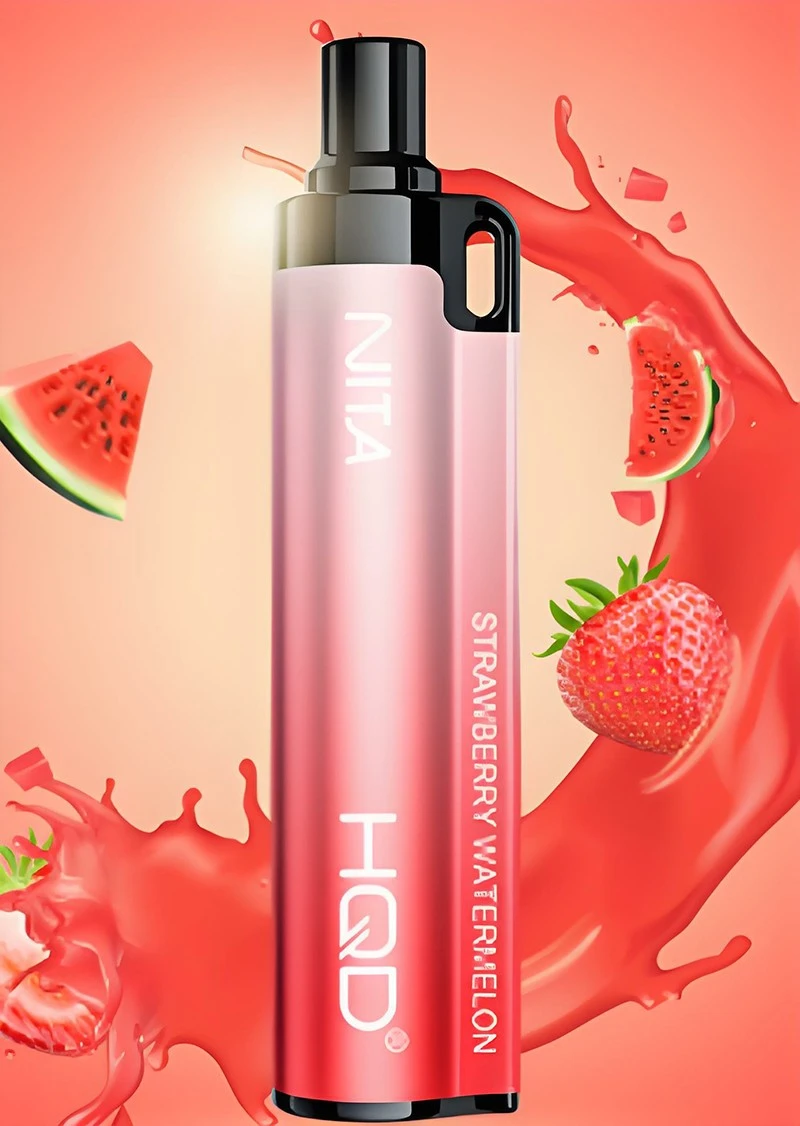

But be warned! Since these vapes aren't designed to be recharged, there's a risk of overheating, short - circuiting, or even an explosion. So, if you're gonna go ahead, do it at your own risk. And if you notice any signs of damage or overheating during the charging process, stop immediately.
Rechargeable Vapes
On the other hand, if you have a rechargeable HQD vape, the charging process is much more straightforward and safer.
- Check the Battery Indicator: Before you start charging, take a look at the battery indicator on your vape. Most HQD rechargeable vapes have a light that shows the battery level. If it's blinking or showing a low - battery symbol, it's time to charge.
- Get the Right Charger: Use the charger that came with your HQD vape. Using the wrong charger can damage the battery and the device. The charger usually has a USB cable that you can plug into a power source.
- Connect the Vape to the Charger: There's a charging port on your vape. It's usually located at the bottom or on the side of the device. Insert the charging cable into the port carefully. Make sure it fits snugly to ensure a good connection.
- Choose a Power Source: You can plug the charger into a wall adapter, a computer's USB port, or a power bank. A wall adapter is the fastest way to charge your vape, but a computer or power bank can also do the job if you're on the go.
- Monitor the Charging Process: Once you've connected the vape to the charger and the power source, the charging light on the vape will usually turn on. This indicates that the charging process has started. Keep an eye on it. When the light turns off or changes color (it depends on the model), it means the battery is fully charged.
Tips for Charging Your HQD Vape
- Don't Overcharge: Overcharging can damage the battery and reduce its lifespan. Once your vape is fully charged, unplug it from the charger.
- Charge in a Safe Place: Make sure you charge your vape in a well - ventilated area away from flammable materials. Avoid charging on soft surfaces like beds or couches, as they can trap heat and cause overheating.
- Keep the Charging Port Clean: Dirt and debris can accumulate in the charging port over time, which can affect the charging process. Use a clean, dry cloth to wipe the port regularly.
- Use Quality Chargers and Cables: Cheap or damaged chargers and cables can pose a safety risk. Stick to using the charger that came with your vape or a high - quality replacement.
Maintaining Your Vape's Battery Life
Charging your vape properly is just one part of the equation. To get the most out of your HQD vape's battery, you also need to take good care of it.
- Avoid Extreme Temperatures: High temperatures can cause the battery to degrade faster, while low temperatures can reduce its performance. Keep your vape at a moderate temperature.
- Use Your Vape Regularly: If you let your vape sit unused for a long time, the battery can lose its charge and may even become damaged. Try to use your vape regularly to keep the battery in good condition.
- Don't Let the Battery Drain Completely: It's better to recharge your vape when the battery is around 20 - 30% full rather than letting it drain completely. This can help extend the battery's lifespan.
Conclusion
So, there you have it! That's how to charge your HQD vape. Whether you have a disposable or a rechargeable model, following these steps and tips will help you get the best performance out of your device.
If you're interested in purchasing HQD vapes in bulk for your store or personal use, feel free to reach out to me. I'm always here to answer your questions and help you with your procurement needs. Let's have a chat and see how we can work together to get you the best HQD vape products at great prices.
References
- HQD official product manuals
- General knowledge of vape battery technology


